Services

Custom software, modern websites and workflow automation

Software You Own builds practical custom software, modern websites and connected tools for businesses and organisations that need technology to fit the way they work.

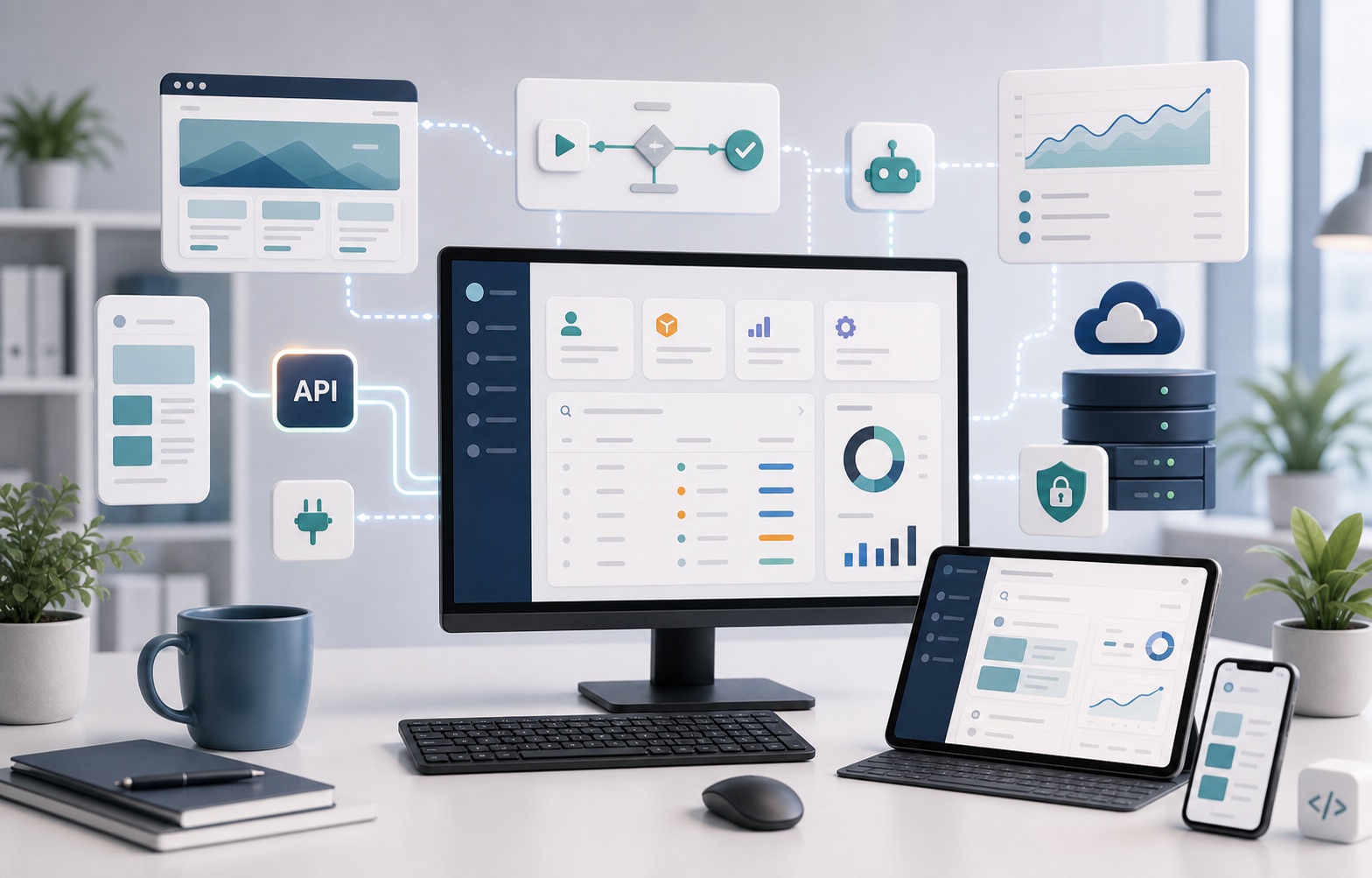
Connected toolkit of desktop screens, mobile interfaces, dashboards, automation and secure hosting.
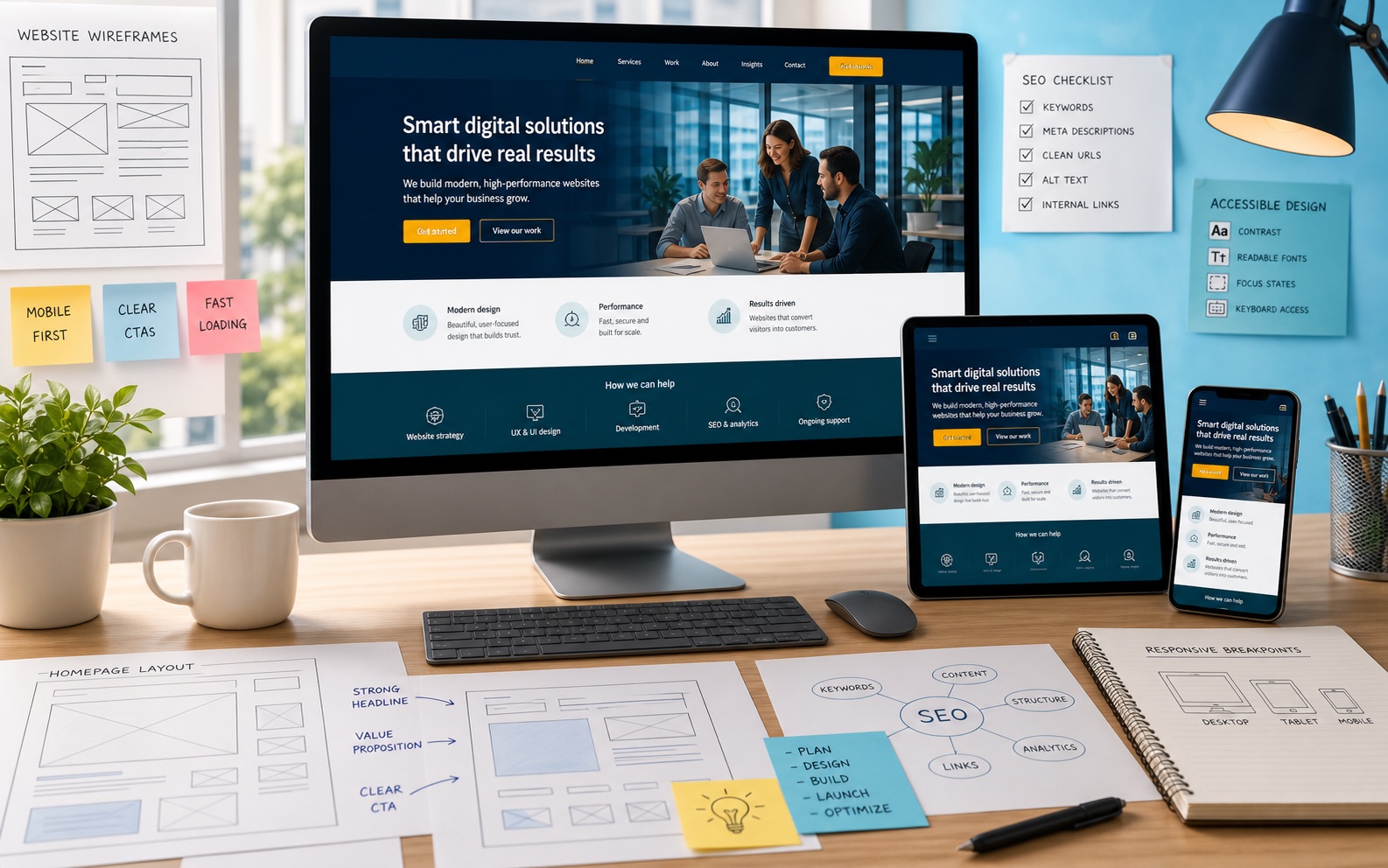
Responsive modern website screens shown across desktop, tablet and phone.

Clear first impression

Modern websites

Fast, readable websites that explain what you do clearly and give search engines proper content to understand.

  • Fast brochure and marketing websites
  • SEO-friendly static or server-rendered pages Pages are built so search engines can read them easily, without relying on complicated browser scripts.
  • Clear content structure
  • Accessible responsive layouts Pages work well on phones, tablets and desktop screens, and are easier to use with keyboards and assistive technology.
  • Campaign landing pages
  • Maintainable website foundations
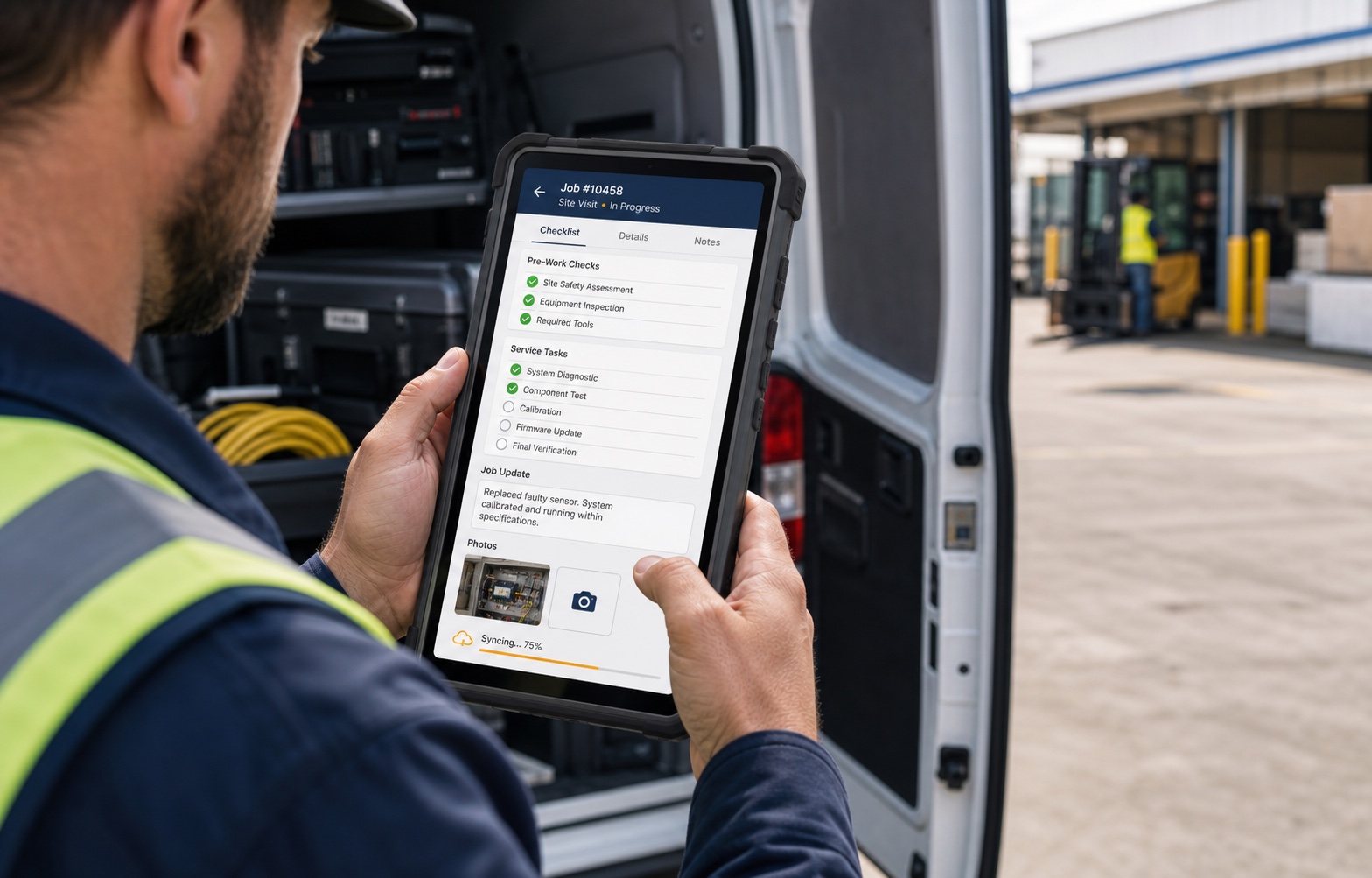
Phone and tablet interfaces for responsive customer and staff workflows.

Away from the desk

Mobile apps

Focused apps for staff, customers or field work where a phone or tablet is the right tool.

  • Phone and tablet apps
  • Staff apps for field work
  • Customer-facing apps
  • Photo capture
  • Document scanning
  • Checklists
  • Job updates
  • Offline-friendly workflows where appropriate Some app features can keep working when the internet connection is poor, then sync later.
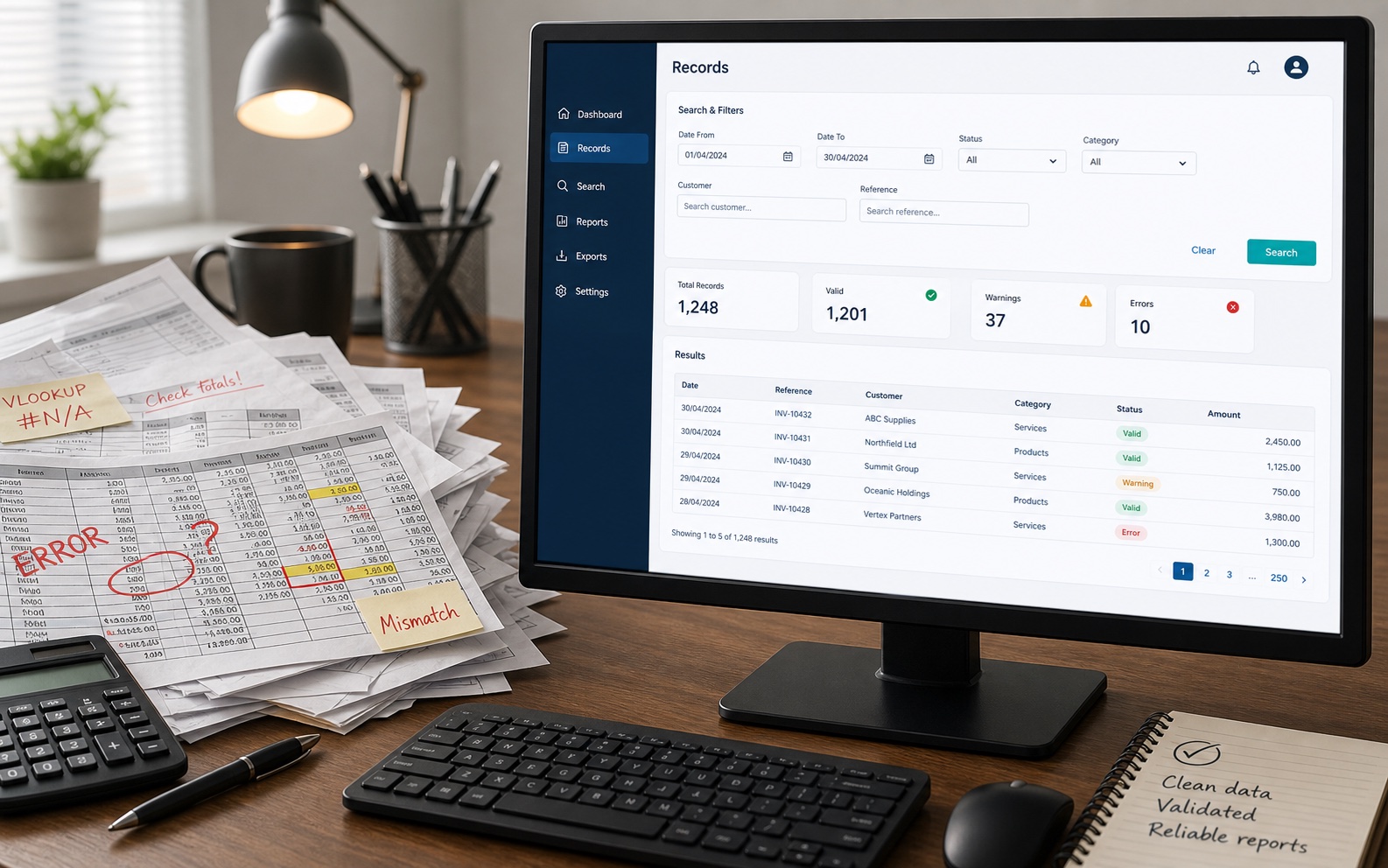
Desktop PC and spreadsheet papers showing a spreadsheet being replaced by a web app.

Less fragility

Spreadsheet replacement

Turn important spreadsheets into safer systems with shared data, validation and clearer reporting.

  • Replace fragile Excel/Google Sheets workflows
  • Add validation, permissions and auditability Validation catches mistakes, permissions control access, and auditability helps show what changed and when.
  • Reduce accidental errors
  • Make information easier to search and report on
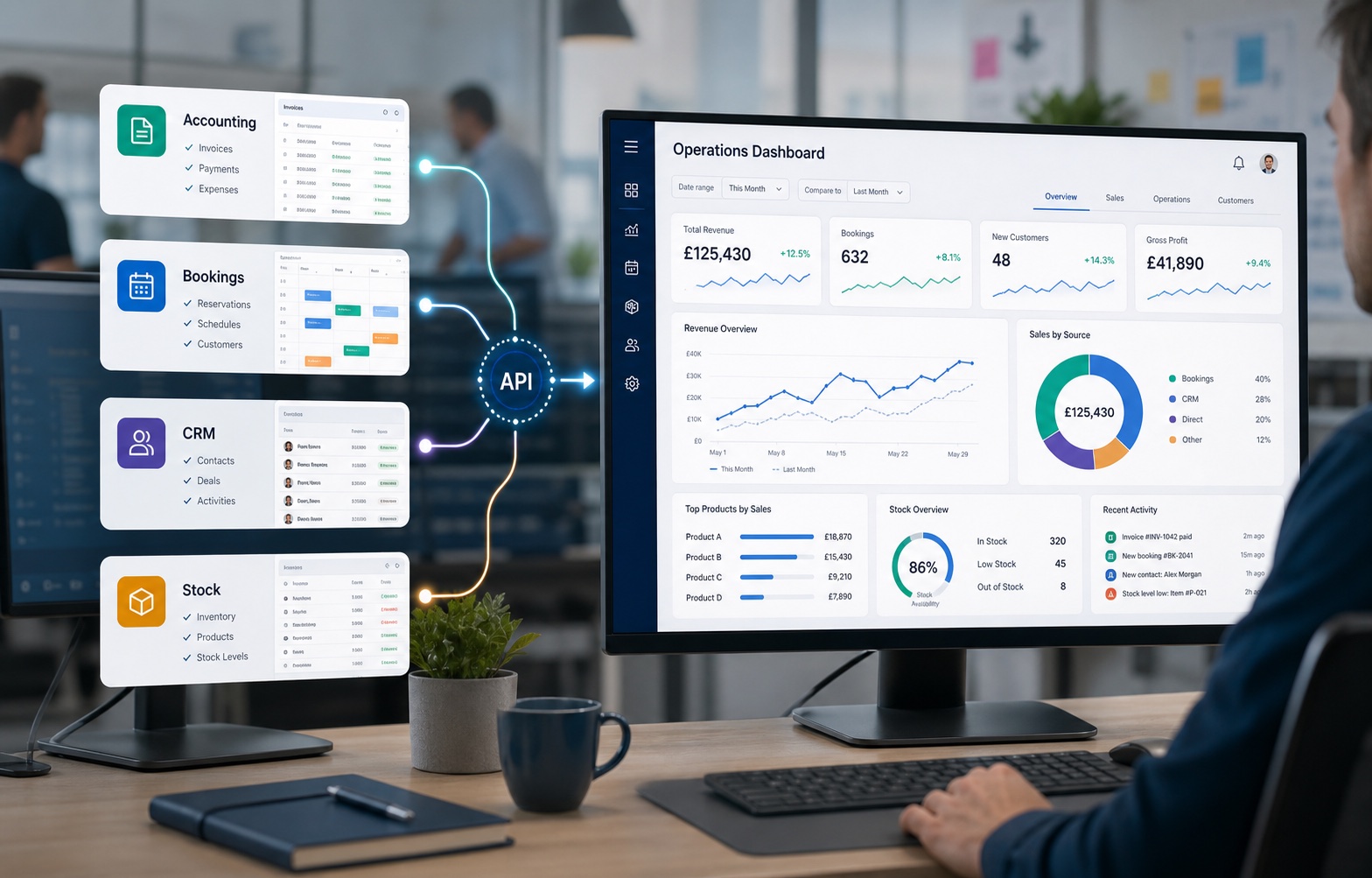
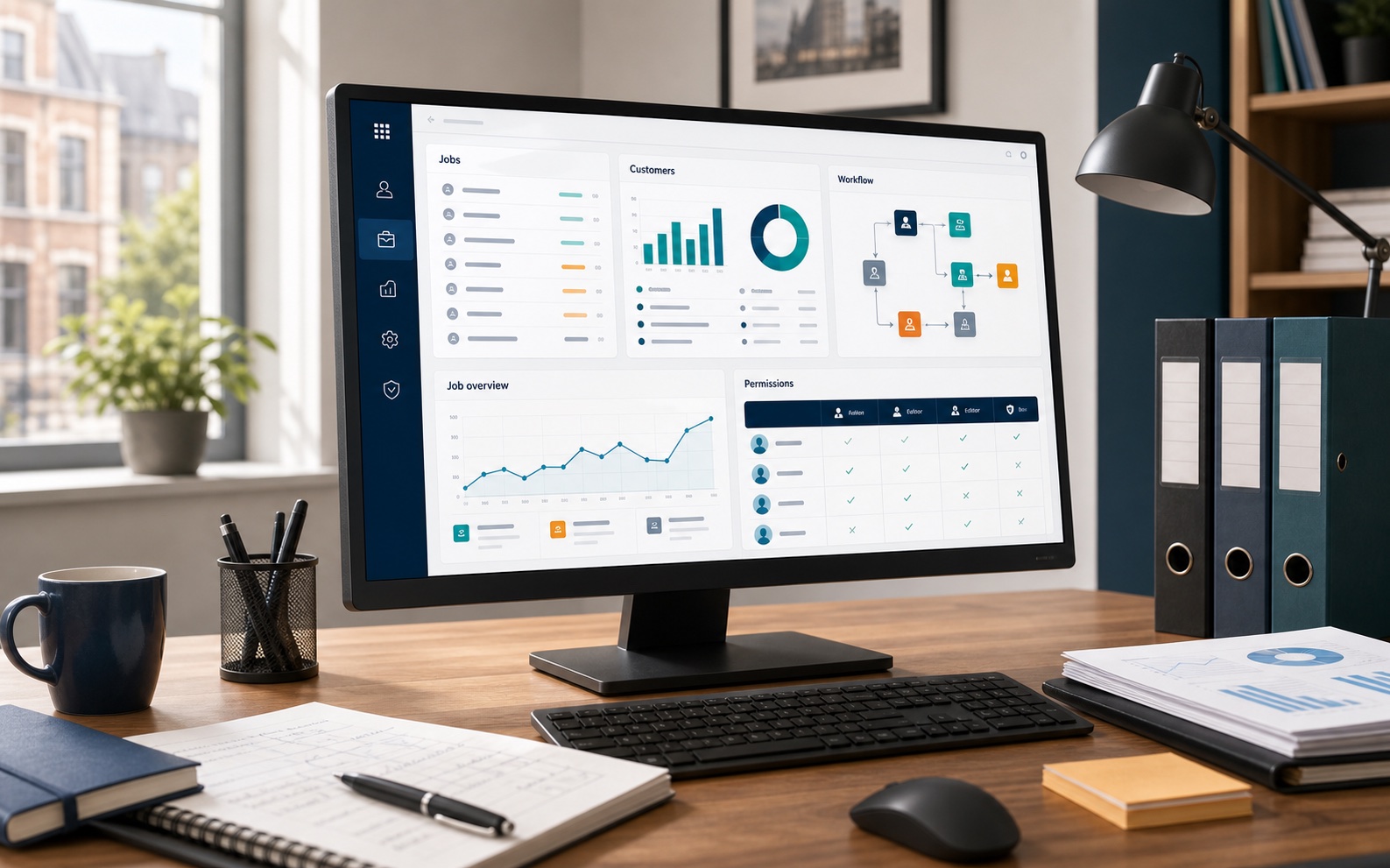
Connected dashboard cards and business software links on office PC screens.

Bring it together

SaaS integration and dashboards Connecting online tools you already use, then showing useful information in one clear place.

Keep the tools that work, then connect the useful information into one place where possible.

  • Keep existing tools
  • Pull key data together
  • Reduce duplicate entry
  • Create management dashboards A dashboard is a simple screen that brings key information, numbers or alerts into one place.
  • Build bridges between systems where possible Some software can safely share data with other tools. When that is available, it can reduce manual copying.
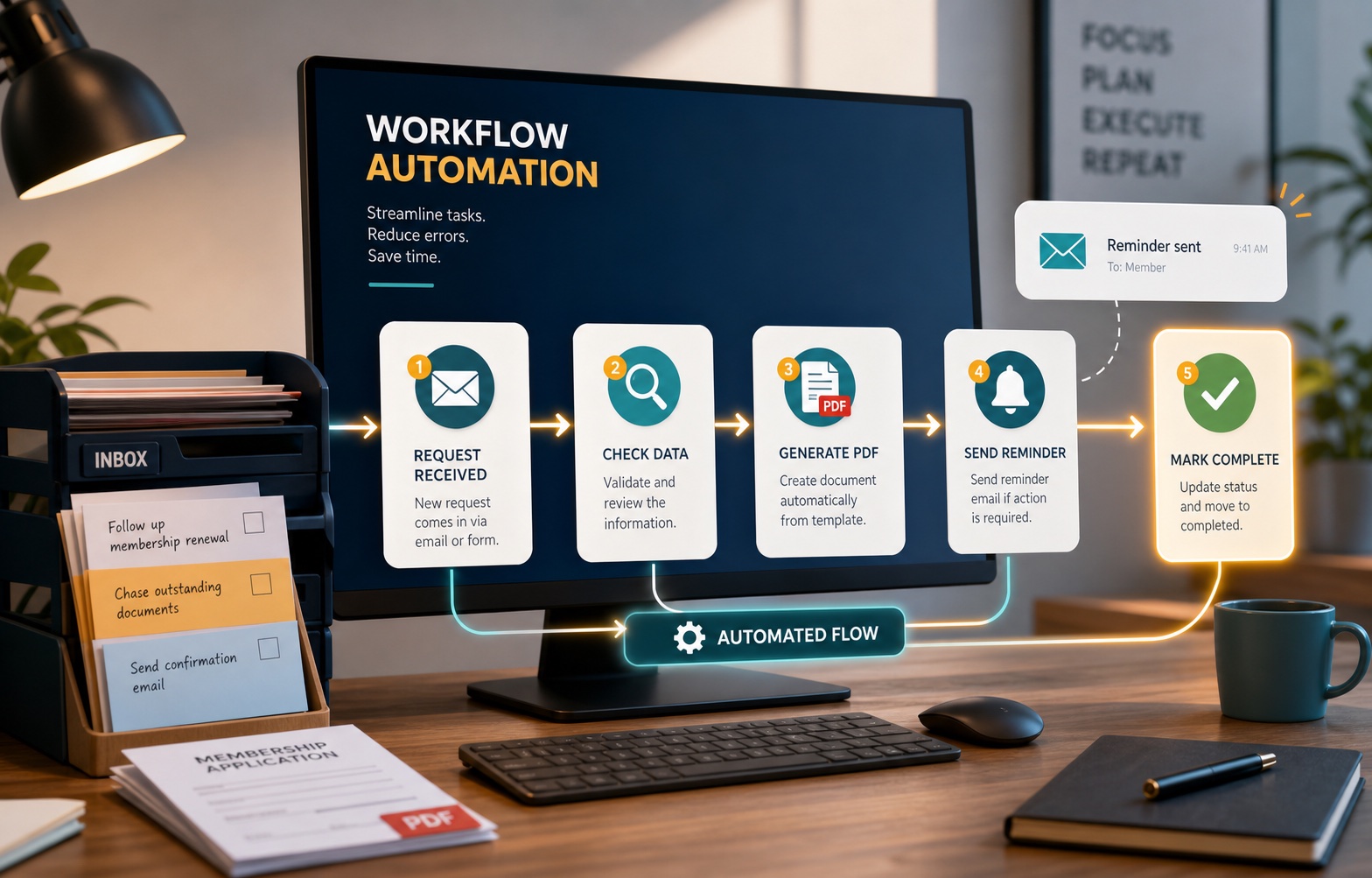
Workflow automation nodes and report cards connected to a business dashboard.

Reduce repeated admin

Workflow automation Using software to handle repeated admin steps, reminders, reports or handovers automatically.

Remove repeated copy-and-paste work, reminders and document preparation where software can do it reliably.

  • Automate repeated admin tasks
  • Generate reports
  • Send reminders
  • Create PDFs
  • Reduce manual copy/paste work
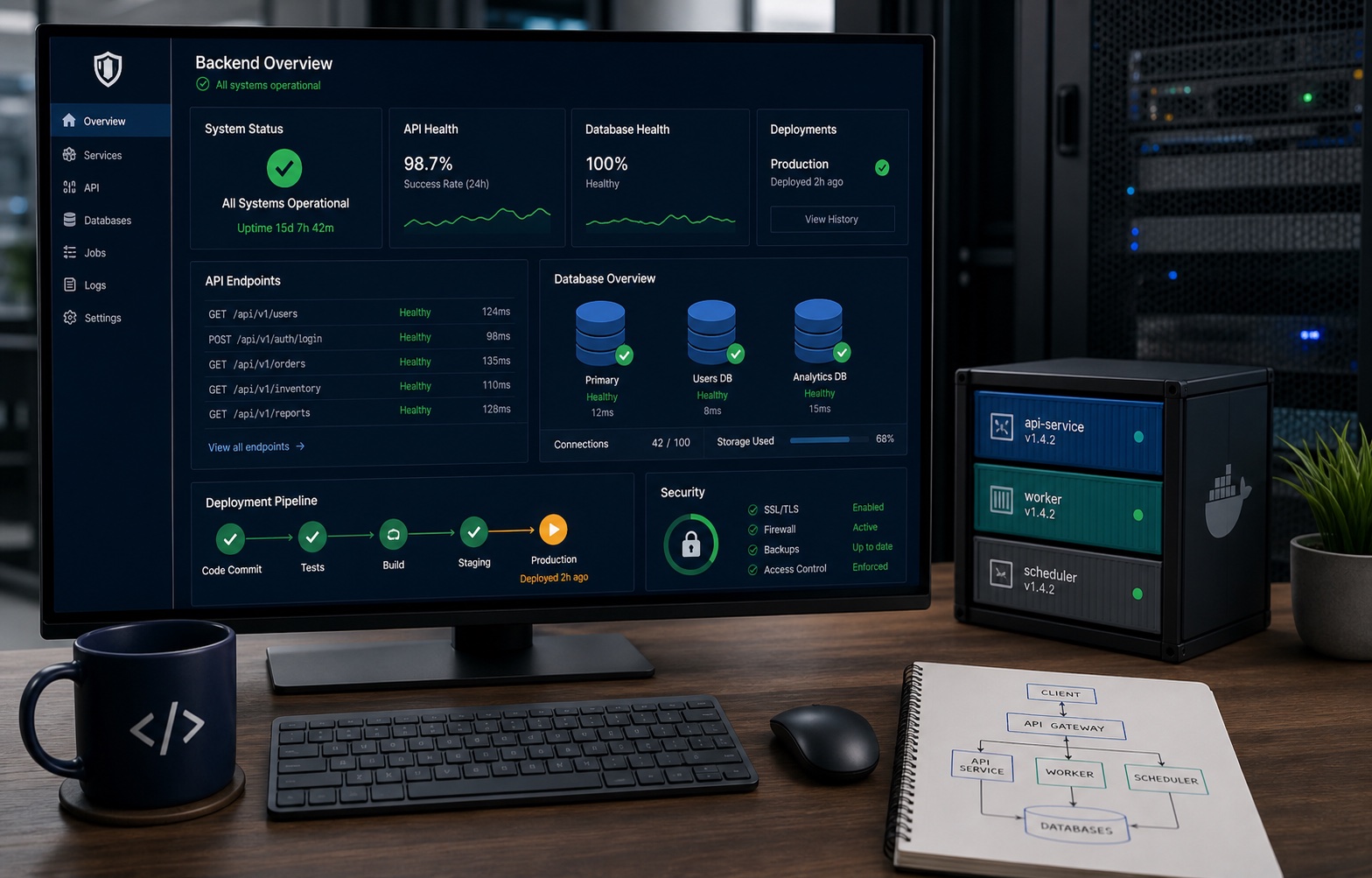
Secure hosting, data storage and monitoring elements connected to a business dashboard.

Solid foundations

Reliable systems and hosting The behind-the-scenes setup that keeps an app or website running reliably.

The behind-the-scenes foundations, data storage and hosting choices that keep useful software dependable.

  • Secure behind-the-scenes systems The private parts of the software that handle data, logins, rules and business logic.
  • Modern hosting A practical server setup that keeps the website or app available without tying it to one person’s laptop or an old machine.
  • Connections between tools Careful links between systems so information can move without people copying it by hand.
  • Reliable data storage Structured storage for important business information, such as jobs, customers, documents or stock.
  • Hosting advice
  • Low-cost maintainable infrastructure A practical hosting setup that aims to be clear, portable and sensible to look after.

Process

A calm route from idea to useful software

The aim is to understand the workflow The steps people follow to get a job done, including forms, approvals, emails, spreadsheets and handovers. before recommending technology. Sometimes the answer is custom business software. Sometimes it is better to keep an existing SaaS Software you rent online, usually paid monthly, such as accounting, booking or CRM tools. tool and build a smaller integration A connection between systems so information can move between them without people copying it by hand. around it.

Book a free initial chat
  1. Free initial chat
  2. Understand the day-to-day process
  3. Identify what to keep, connect or replace
  4. Recommend the smallest useful first project
  5. Agree scope and cost before paid work starts
  6. Build, test and iterate
  7. Deploy and support
  8. Expand only when it makes sense